I was very lucky that I had the chance to take part in GNOME Asia Summit 2009. The summit was held in Ho Chi Minh City(HCMC), Vietnam.
It was a really wonderful journey in my life, because it was my first time to go abroad to see what other country looks like. I started to prepare my passport on Nov 9, 2009. and got the passport on Nov 18, 2009, then I immediately went to Vietnam embassy for visa that day. How lucky I was, the embassy provides express visa service within 2 days. So I took off on Nov 20, although I was not able to participate in the opening ceremony.
I got up early and went to the Beijing airport that day, after 3 hours flight, I arrived at Hong Kong for flight transfer, and after 2 hours, I arrived at Ho Chi Minh city. My planes belong to Cathy Pacific airline, the service was great.
I was impressed when I went out HCMC airport, there were some volunteers for the event picked me up.
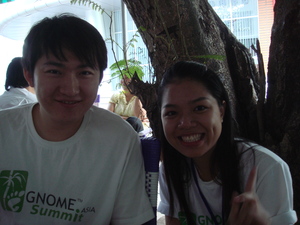 the temperature was HOT compare to Beijing, and the volunteers were very friendly, they helped us(gf and me) to take taxi. We got to the hotel at 8pm, the price of my room was cheap, about $10. We met some awesome guys, some of them came from Taiwan(Fred, Ping-Hsun, Andrew, Medical-Wei), one from Germany(Tobias), and one from Australia(Andy). We took taxi for having dinner together that night, It was so impressive, we had happy time. I was shocked by hundreds of motorbikes starts to get across the cross road at the same time, and I spent all the money that I had exchanged at the airport that day…
Second day morning, I went to the venue, briefly presented “GNOME Accessibility and Automation Testing”.
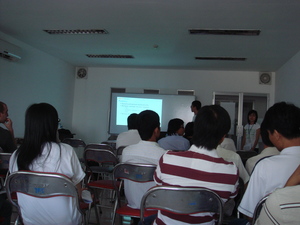
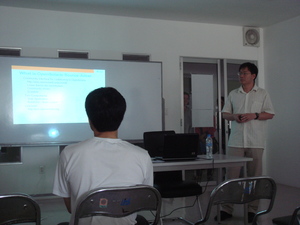
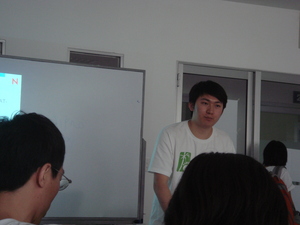
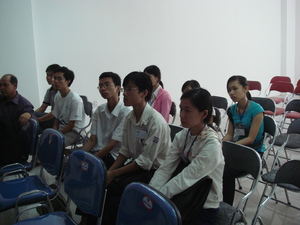
The slides talks about what is Accessibility, its definition and its categories, at the second part of the slides, I presented what is at-spi and how at-spi works with other GNOME components and other applications(java, winforms, moonlight etc). finally I did a demo to show how to use strongwind to implement a automation test. I had another workshop for GNOME localization at the afternoon that day, and I worked with a guy who is a Vietnamese translator/contributor for GNOME Vietnamese translation, and discussed the new translation process in damned lies.
The GNOME Asia Summit(GAS) 2009 lasted 3 days from Nov 20 to Nov 23. It was successfully hosted, and I believe it has achieved its goal – to spread GNOME in Asia. I really hope I have the opportunity to take part in in the future, and I do hope GAS could be more and more successful, and could be as good as GUADEC. Let’s try our best to make it happen!
The summit has gone, I enjoyed it very much. 🙂