I NEED SOME AWESOME PEOPLE TO HELP ME GET GNOME-SOFTWARE FINISHED:
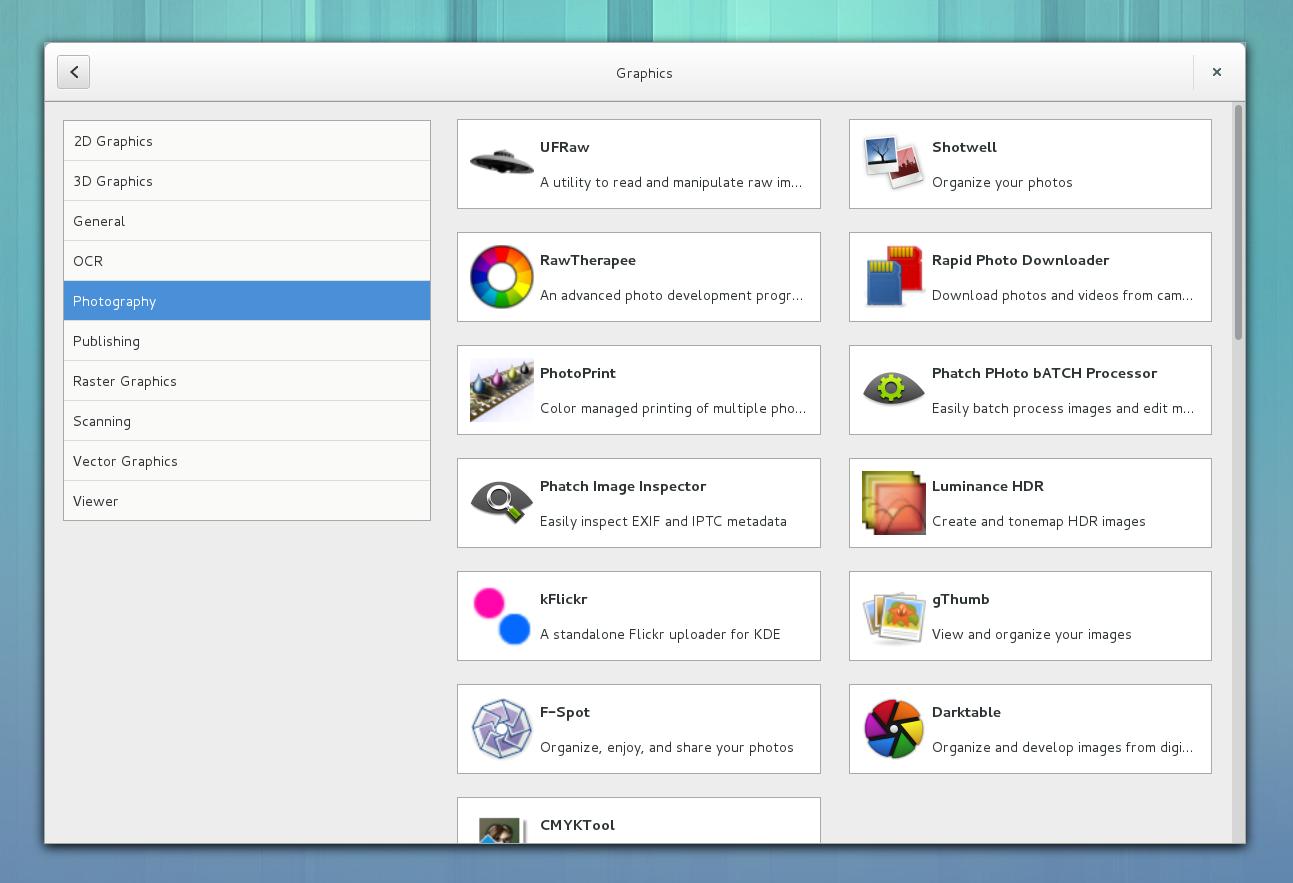
If you can visit this page and help fill in details for our first set of featured applications, you’d be awesome.
I NEED SOME AWESOME PEOPLE TO HELP ME GET GNOME-SOFTWARE FINISHED:
If you can visit this page and help fill in details for our first set of featured applications, you’d be awesome.
Do you maintain an application that people use? Do you want people to be able to install it easily in the GNOME Software Center?
If both of those are true, please read the newly finalised AppData specification and ship one tiny extra file in your tarball. People will love you for doing it, and I’ll really appreciate it. Maybe post 3.10 we can do a GNOME Goal for all the core GNOME modules, but of course this applies to GNOME, KDE, XFCE and random standalone apps.
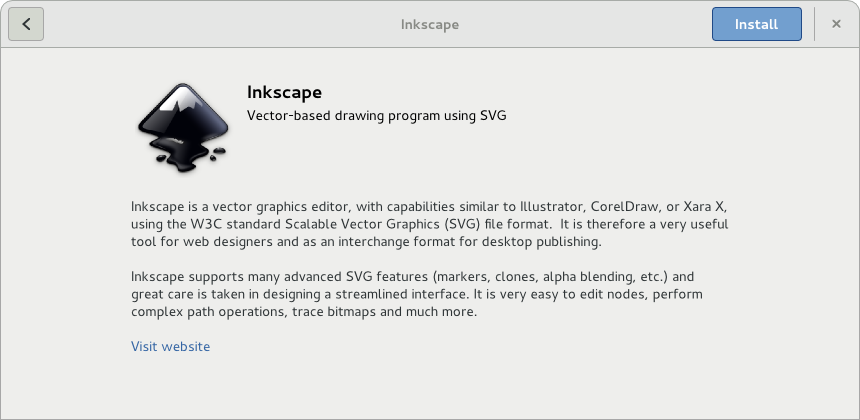
This week we will hit a milestone we thought we might not ever reach – selling ColorHug device number 2000. We started making ColorHugs just 18 months ago and have come a long way from the first batch that was hand-built on a desk in our back bedroom. I started the project as a hobby to make some embedded hardware as it was something I enjoyed doing at University and hadn’t done for a while. I assured my wife we wouldn’t need to make more then 50. So imagine how we felt when we got over 800 responses to a single blog post. I only wrote it to check it was worth making that initial batch! So this hobby turned into a second job almost overnight that came with all the fun dealing with customer emails, legal issues and setting up a business that pays tax. Ania was not best pleased when our lovely guest room turned into our manufacturing department and my “hobby” had her screwing devices together on weekends, evenings and even on Boxing Day.
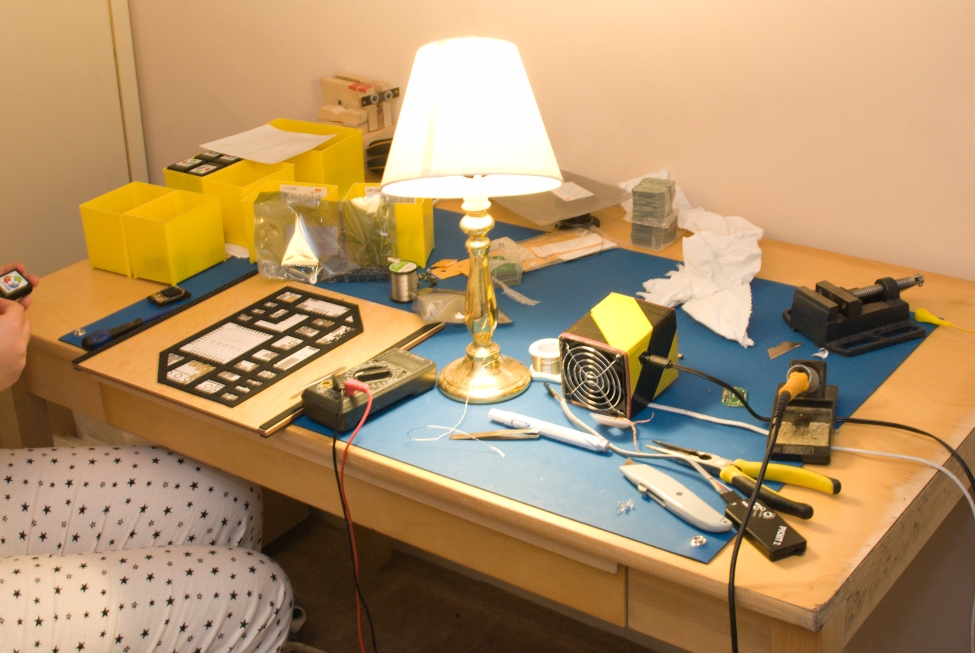
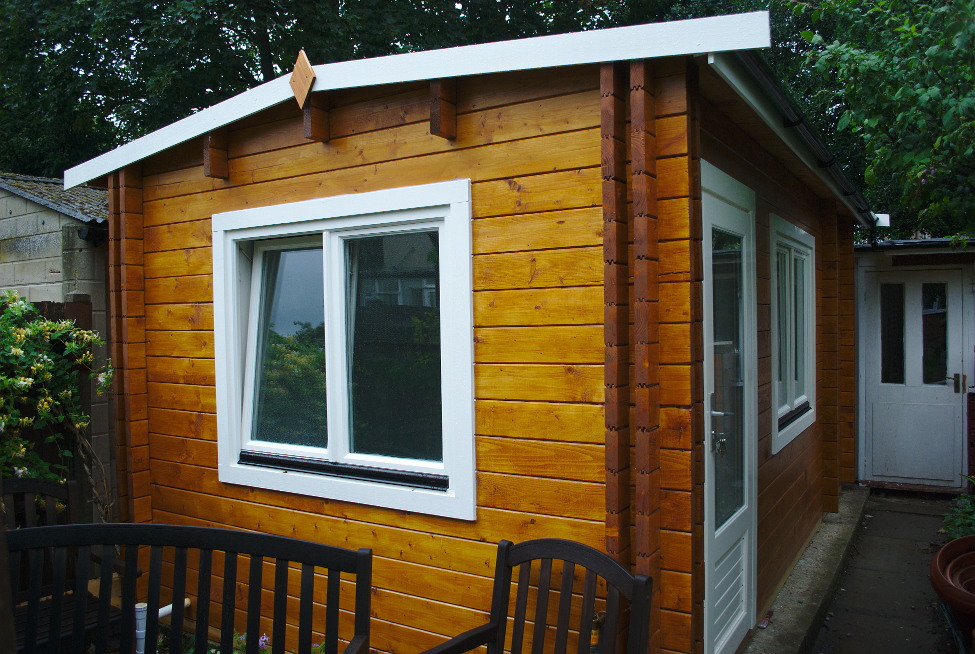
A lot has changed since that first batch. From outsourcing the PCB fabrication and to occasionally recruiting my mum, dad and of course Ania in the manufacture, assembly, dispatch and administrative aspects of ColorHug. We finally have a new outside office – so after nearly two years we have our house back! And most importantly we have had a little girl, who keeps us very busy and thus has slowed the development of the ColorHug Spectro.
Building an OpenHardware device has definitely been a worthwhile pursuit and something I believe in. We will have built and shipped 2000 devices all around the world, including issuing two lots of free gifts to update early adopters with the latest accessories and design improvements. We’ve also built a large community who are using ColorHugs all over the world for calibrating external screens and panels in domestic and commercial settings.
We still don’t make much profit on each unit and definitely wouldn’t recommend making calibration hardware as a get rich quick scheme, but we have enjoyed growing ColorHug and fostering the community that has built up around it. We’d like to take this opportunity to thank everyone who has helped make ColorHug a success – from those who’ve helped make the device through to those who contribute in the community by testing and reporting bugs.
Some interesting statistics from the last 18 months:
So, basically, we’re very humbled and grateful! Richard, Ania and baby Hughes.
This morning I wrote up this proposal. If you maintain an application that you think should be in the GNOME Software Center, I would appreciate your views. Thanks!
p.s. Don’t actually commit anything to your modules just yet, I want to finish the polishing and wording before asking people to write anything. For example, the format of the long description should probably be much more prescriptive.
Progress on gnome-software is progressing nicely. Most of the major functionality is semi-working, although there are an awful lot of rough (and unimplemented) edges. Now the UI is coming together somewhat, it’s probably time to talk about what data it is going to consume. I’ve talked a lot before about extracting application icon and translations from .desktop files, but now I wanted to talk about long, formatted descriptions. Something like:
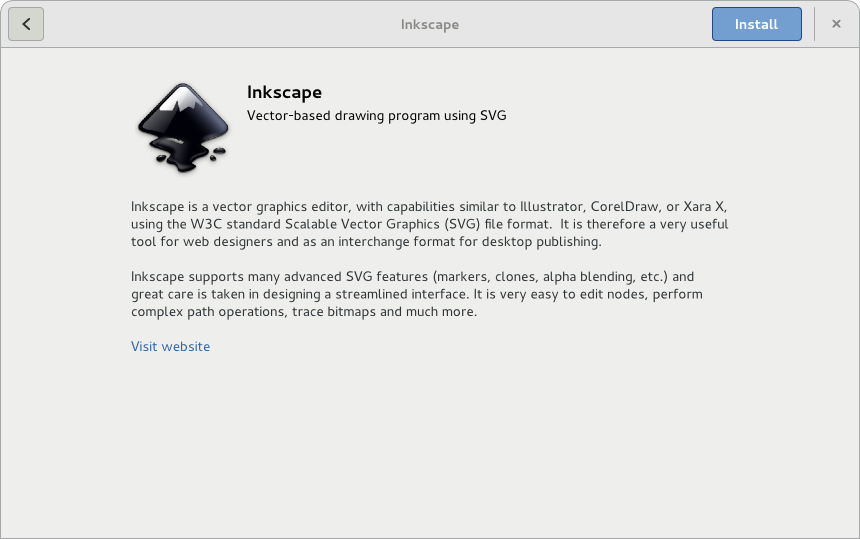
So where do we get this long description from? There seems to be many possible places to put this data:
Each has positives and negatives:
Also, anything except option 1 requires the use to have a big cache of all the possible applications they want to search for. So far I’m leaning on some kind of composite approach:
Comments, suggestions, flames, all very welcome. If/when we come to a consensus, I’ll write up a proper proposal with some guidelines for application authors. Thanks.
The last week I’ve been continuing to work on the hawkey backend for PackageKit. It’s basically a small package manager backend that uses librepo to do the metadata checking and downloading and hawkey to do the depsolving. To glue all of this together and do kinda critical things like assembling and running a librpm transaction I’ve re-used globs of Zif, another little test project of mine.
Today marks a milestone. With librepo from rawhide, hawkey and PackageKit from git you can actually use the gnome-packagekit tools to install, remove and update packages. The latter was quite a bit of work, and I’ve been contributing patches like crazy to the hawkey project making sure all the pieces are in place.
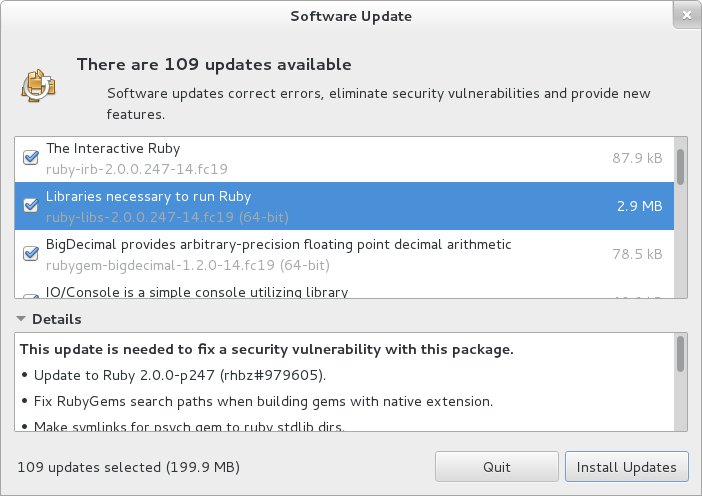
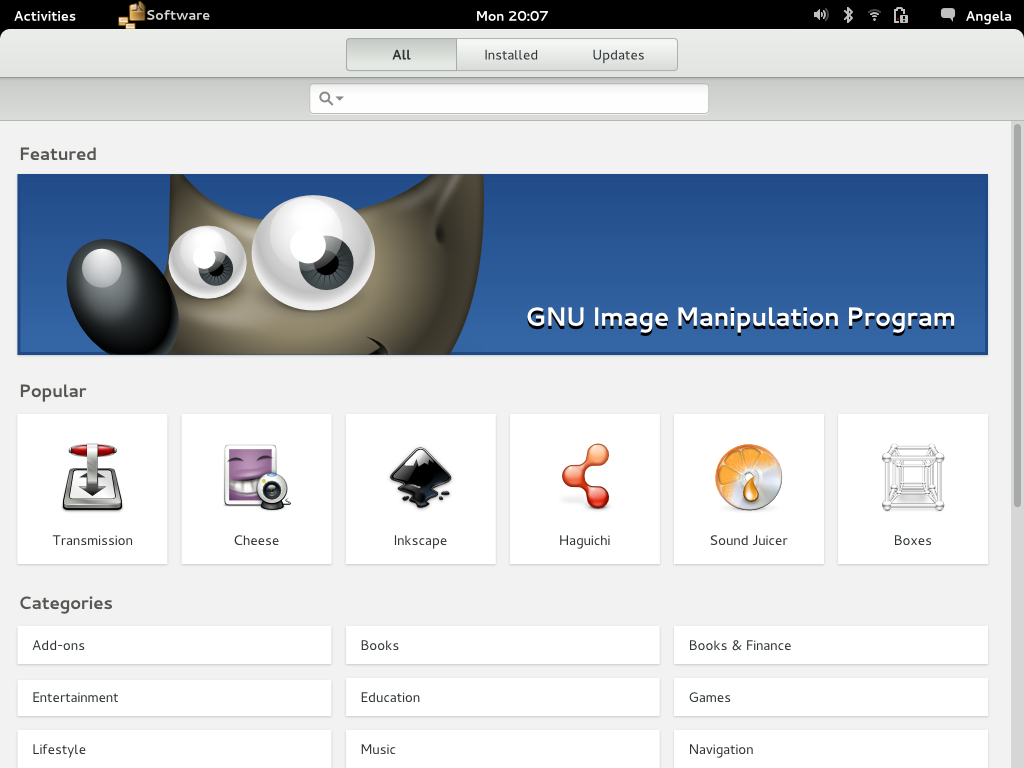
Of course, we’re not doing this for gnome-packagekit, we’re looking forward to the future. If everything goes to plan, in Fedora 20 we’ll have a shiny new software center called gnome-software that will use the hawkey backend on Fedora to perform like a modern software store. No “waiting for locks“. No “downloading metadata” at inopportune times. With the new backend we can make the user experience of the new UI an order of magnitude better than the old tools.
And now, I’m going to eat ice-cream. Have a good weekend everyone.
I spent a couple of days last week in Brno talking about the future of package (and application) management in Fedora. Things we discussed:
Some interesting points came up, and this is approximately 30 hours of talking condensed into a few bullet points:
It was an interesting couple of days, and quite a few people will be ping’ed over the next few days to make some of what we discussed a reality. I’m convinced the changes we can make here will give us a slick and featureful application installer, something that can really be an asset for Fedora and RHEL. Comments, as always, welcome.
If you want your GNOME build in the Fedora 19 Beta, please make sure you release a tarball today. The builds are being collected in a spreadsheet and the mega-update will be filed tomorrow morning.
In a world where so many open source projects never get to version 1.0, I’ve just announced colord 1.0.0. See the archives for the release announcement and the FAQ for details about the new numbering scheme.
A couple of weeks ago I asked people to run a command which uploaded all their auto-EDID display profiles to me. This was a massive success with 1858 profiles being added to a large dataset. These were scanned by the cd-find-broken tool, and results plotted on my G+ page. As there’s been so much new data I’m updating the graphs:
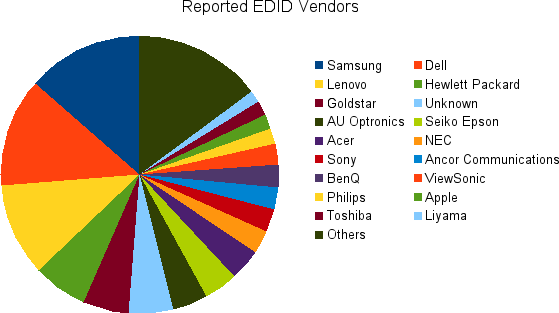
I’m actually using this data to make sure we show something sane in the client UIs. Some interesting vendors are not included, e.g.:
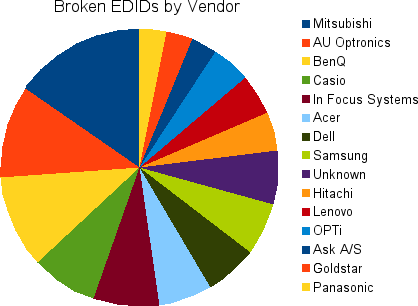
This is a chart of vendors Doing It Wrong™ by including random data (or implausible data) as the display primaries.
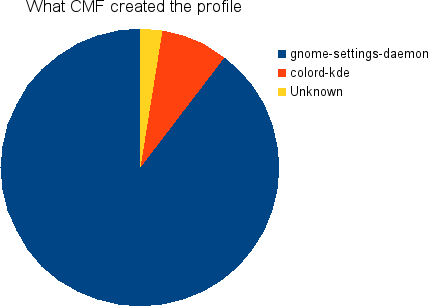
This shows what program created the Auto-EDID ICC profile. Unknown is probably a mixture of oyranos and also early versions of gnome-setting-daemon which didn’t set the extra metadata.
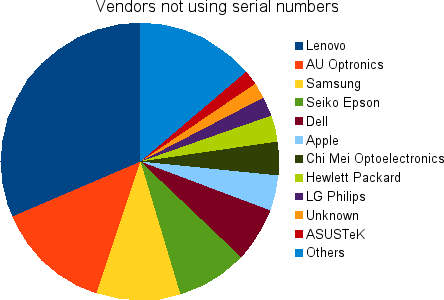
Last graph I promise. This shows a chart of all the vendors who do not populate the serial number in the EDID blob. I’ll explain why this is bad.
When we construct the device ID for colord, we use the vendor{-model}{-serial} as part of the key. This allows you to use different ICC profiles even if you’ve got two “identical” external panels attached. Without the serial number, “lenovo-foo” looks the same as “lenovo-foo” and colord treats them as if they were the same panel. This sucks if the panels were not bought at the same time and have identical backlight burn time. Ohh, and we can’t use the connection name (e.g. DVI-1) as it would suck if you had to reassign all your profiles if you moved the connector to DVI-2…
This isn’t always a disaster: Laptops. We only need the make and model to ensure this is unique on the system as you can’t typically have two internal panels installed. This explains the Lenovo, Samsung, Dell and Apple entries I think, so don’t get out the pitchforks just yet. Unfortunately there’s nothing in the ICC profile that says “this is a laptop” so we can’t be more selective and hence this graph isn’t super useful. But, even on laptops, vendors should really be doing something semi-sane with the serial number, even if it’s just the batch number.
A new 0.1.34 colord was released this week. Thanks again to everyone that uploaded profiles.