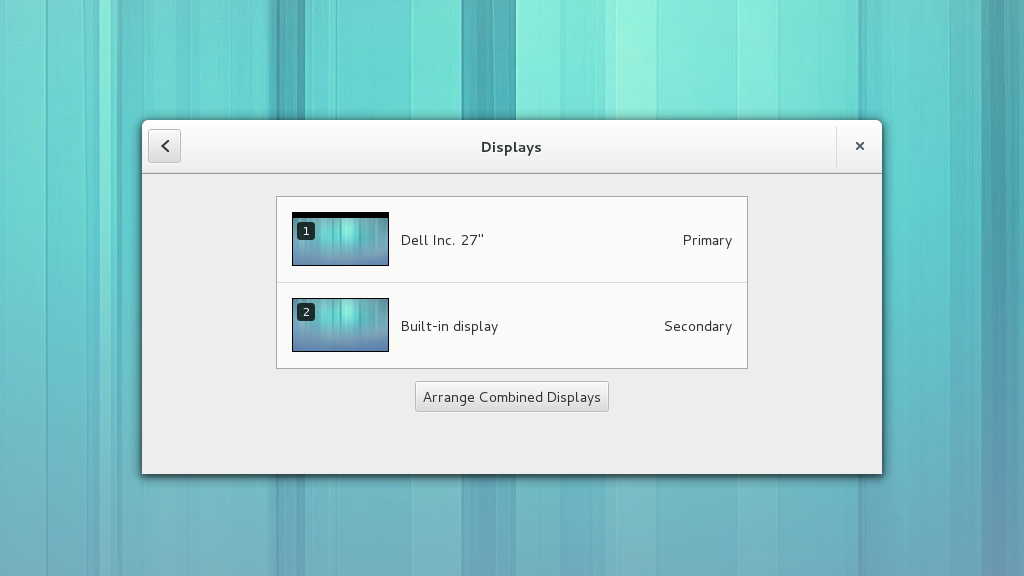
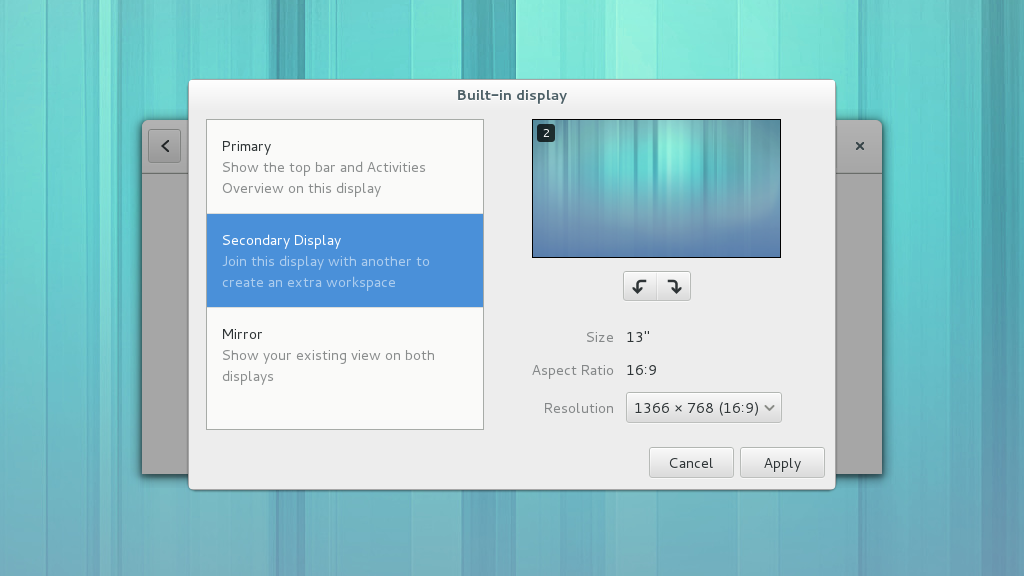
The display settings for GNOME hasn’t seen a major change since before 3.0, so with the design help of Allan Day, I had the chance to completely update the interface for 3.10. The interface now follows the new visual style of the other settings panels and simplifies tasks such as setting the primary display. It also includes simpler and clearer display indicators. Full details of the redesign, including the mockups, are available on the wiki page. Not everything is complete yet; “presentation mode” needs some additional support from the windowing system before it can be implemented. However, Wayland support is now available thanks to Giovanni Campagna’s work on Mutter and gnome-desktop, which also includes a new confirmation dialog provided by gnome-shell.
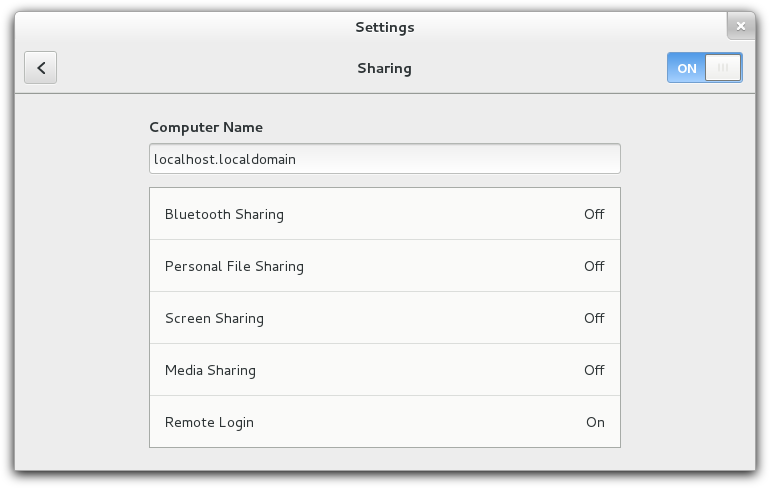
One of the new features I was able to contribute to GNOME 3.8 was the sharing settings panel.
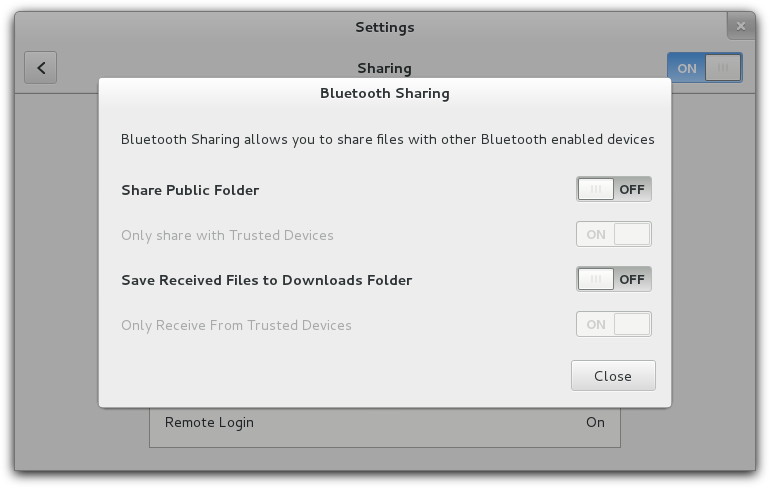
The goal of this panel is to provide the user with a way to control what is shared over the network. The sharing services are provided by various existing projects, including Vino, Rygel and gnome-user-share. If any of the services are not installed, the relevant settings are not displayed. The panel also allows the user to configure various options for the services.
More details about the design of the panel are on the wiki page.
New releases of Media Explorer and Mx are now available. Mx and Media Explorer both have improved compatibility with Clutter 1.9 and Media Explorer has had many bug fixes and a few new enhancements, including category filters in the Video listings and an improved Music listing view.
A new development version (0.3.4) of Media Explorer has been released and includes quite a few changes. There are a number of new features, including:
A new “twitter-send” plugin from Dario Freddi of Collabora
Support for grouping of TV shows and music albums.
An on-screen “back” button so that it should now be possible to use Media Explorer on a touch screen.
Live previews for video items
A visual refresh of the web remote application
There are also a number of changes behind the scenes, including a refactoring of the Model Manager API.
This is a development version and there are some known issues, but if you’d like to try it out, source code and more information is available at media-explorer.org.
A few weeks ago the Media Explorer team released the first “stable” preview branch of Media Explorer (0.2.x) and this week we’ve started a new unstable series (0.3.x). The new features since 0.1.x include:
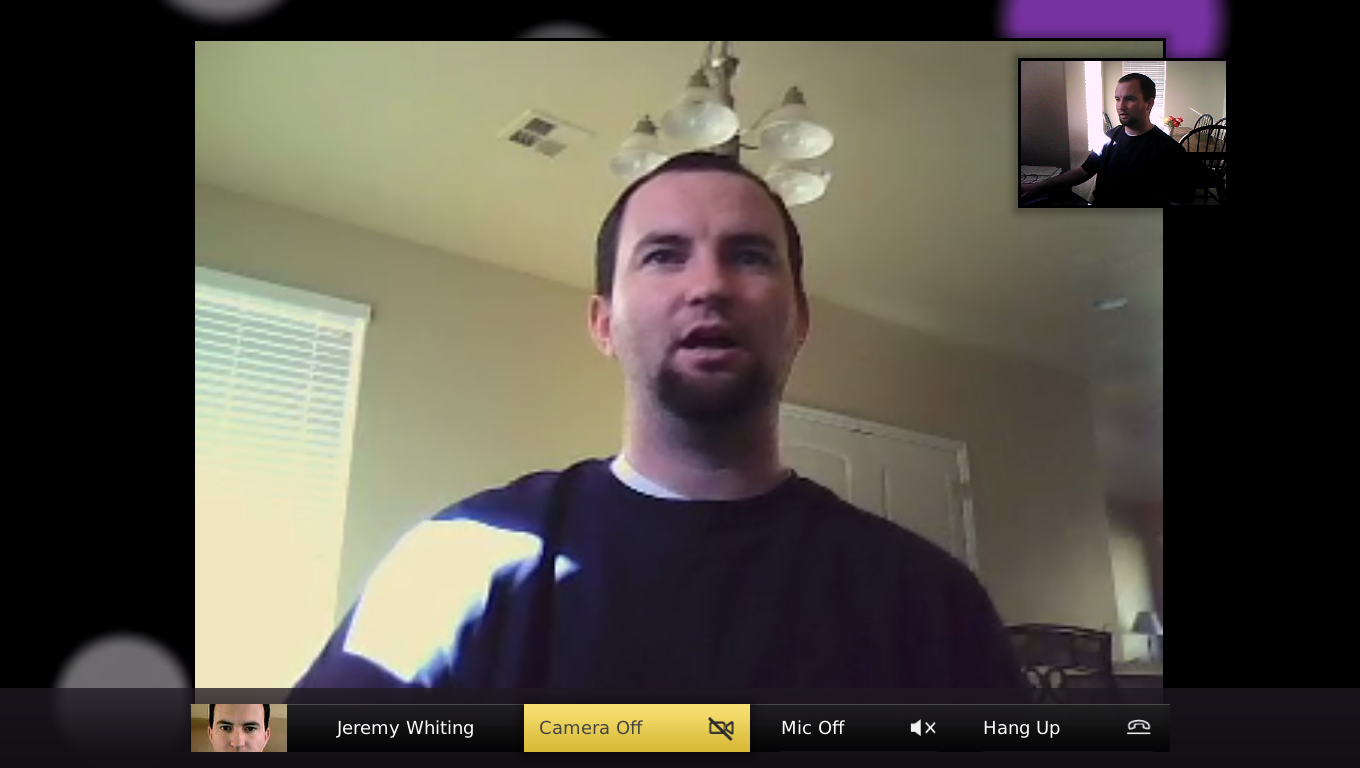
Telepathy plugin from Collabora, which enables video chat within Media Explorer
Integration with Nautilus via the “Open With” menu
The usual round of bug fixes, performance improvements and enhancements
The 0.3 branch (master) has started with a lot of refactoring work. The dbus-glib dependency has been removed and all dbus functionality is now implemented with GDBus. There is also work going on to improve the plugin framework and greatly simplify the internal API. We also now have our own domain: media-explorer.org, which we are using as the basis of a revamped DBus API.
A screenshot of the new video chat experience, taken by Collabora developer Jeremy Whiting
Mx Toolkit
The stable 0.2 branch of Media Explorer also coincided with a new stable branch of the Mx toolkit, which is now at version 1.4 and includes many improvements, including support for clipped redraws which should be a boost to performance. There are also lots of new features in the kinectic scrolling widget from another Collabora developer, Tomeu Vizoso. Other new features include support for direct unicode character entry (using the ctrl-shift-u shortcut); better keyboard handling in comboboxes and popup menus; the implementation of the GAction interface on MxAction; and many other performance and memory optimisations.
Internship in London
In related news, the Intel team in London is looking for a student to join the developer team for a 13 month internship, starting in 2012. We’re really keen to have someone who is enthusiastic about open source technologies. If you’re currently studying at university and are looking for a placement, the full details are on Intel’s jobs page.
We’ve just released a new update to Media Explorer, which includes some new features:
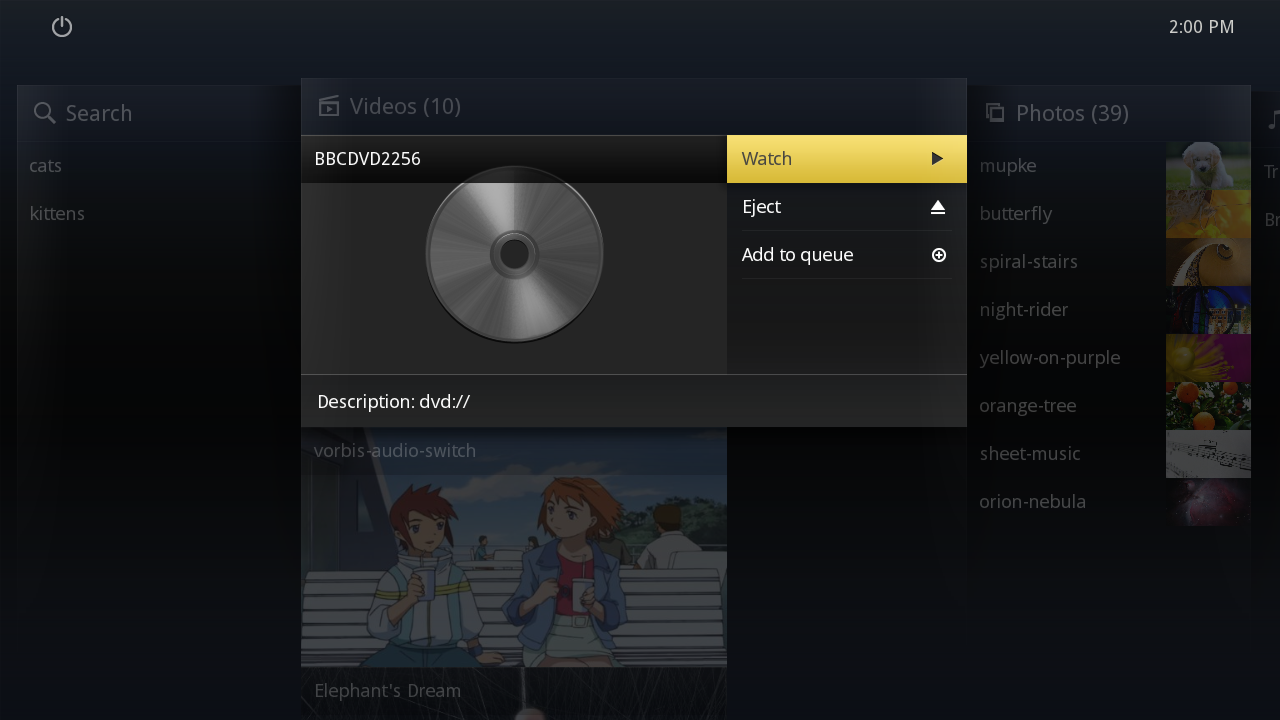
Support for playing optical media, such as DVDs
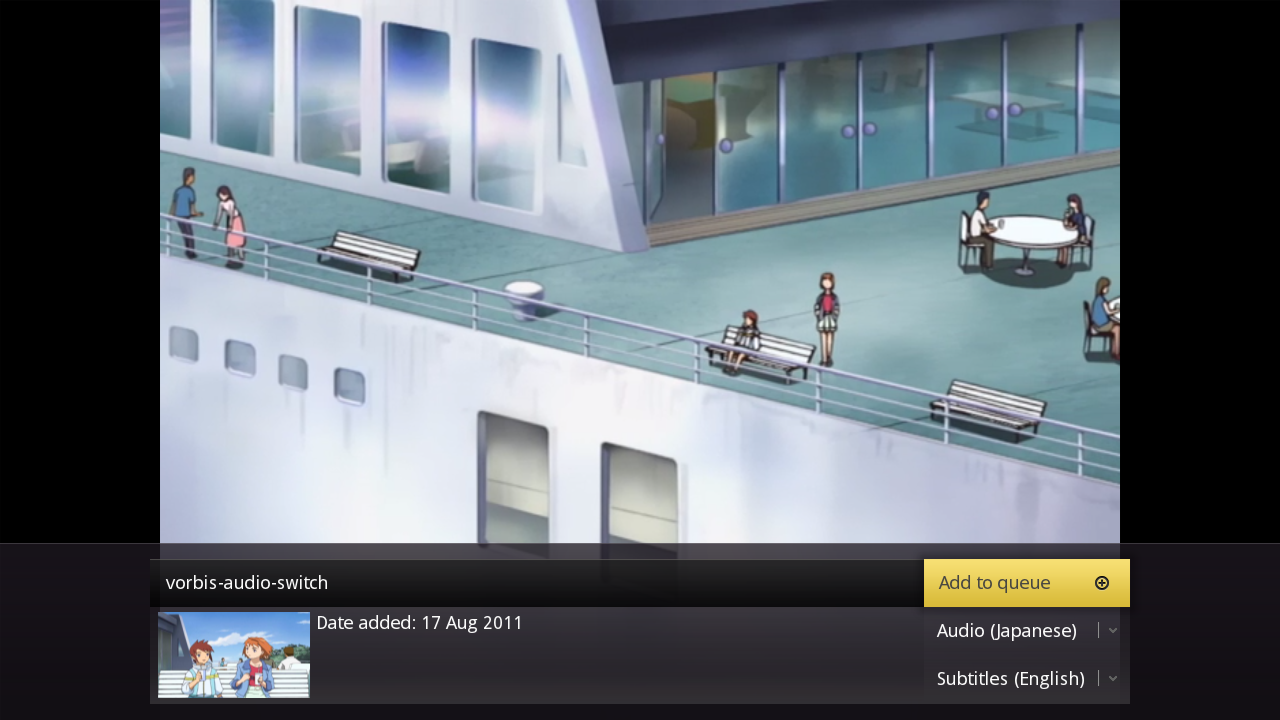
Audio track selection
Subtitle selection
French translation
Background plugins
Album grouping for music
There were also the usual round of performance improvements and bug fixes.
Subtitle and audio track selectionDVD support
More information is available on the website. There are also new versions of clutter-gst and the Mx toolkit to accompany this release, with bug fixes and new features added to both.
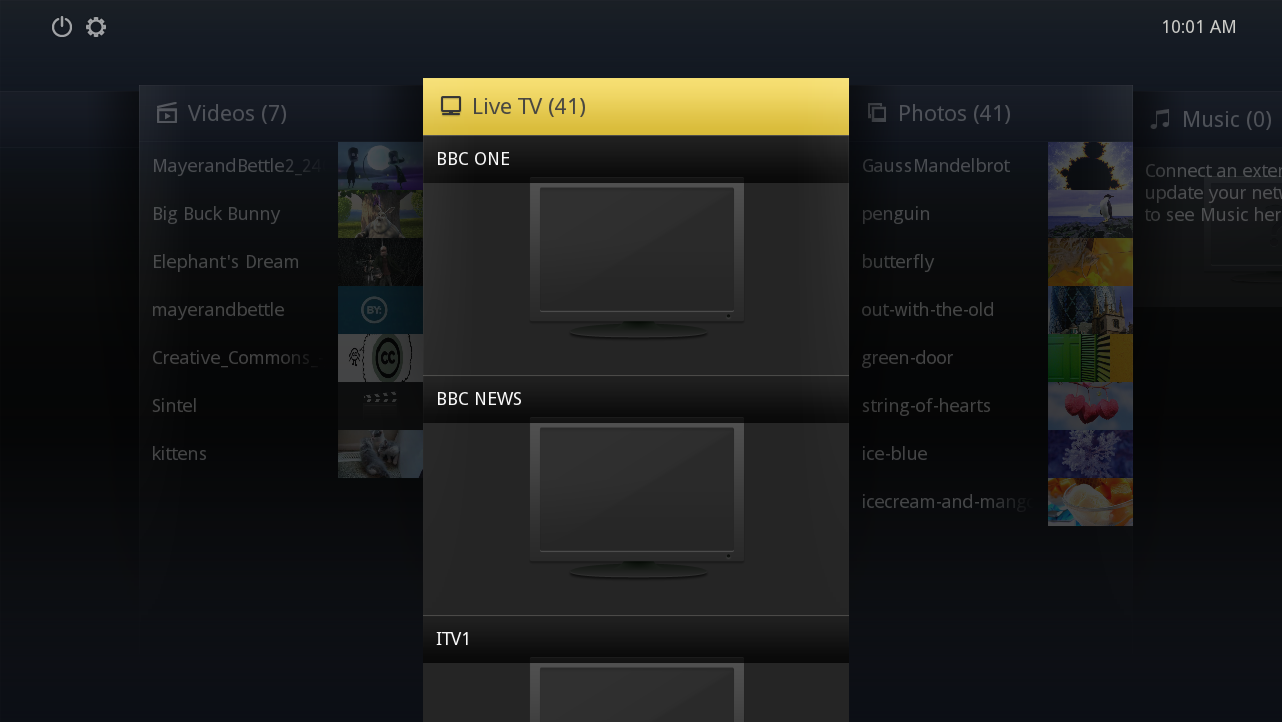
Last Friday we released version 0.1.4 of Media Explorer. This version includes some exciting new features, such as support for connecting to gnome-dvb-daemon to watch live TV and plugins for justin.tv and blip.tv. There’s also been a considerable amount of effort to increase performance and neaten up the transitions between screens.
We also released versions 1.2.1 and 1.3.0 of the Mx Toolkit, a Clutter based widget set. Both versions contain performance enhancements and bug fixes. Version 1.3.0 is a development version including new API.
Some of the Media Explorer developers are giving a talk at the desktop summit tomorrow, where they will be talking about Clutter, including demonstrating Media Explorer.
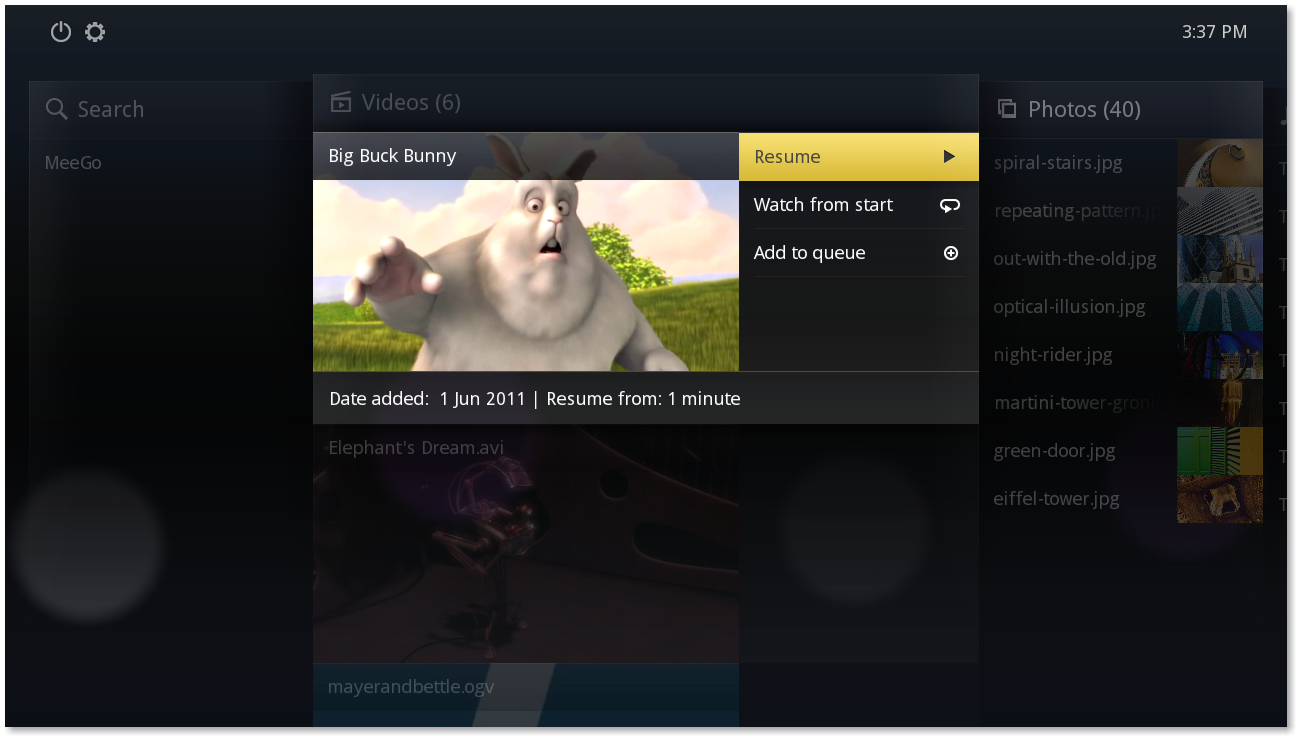
Media Explorer is a media centre application for Linux (including MeeGo) developed by the Intel Open Source Technology Centre. It uses Clutter, Grilo, GStreamer and Tracker to find, index and play local and remote media.
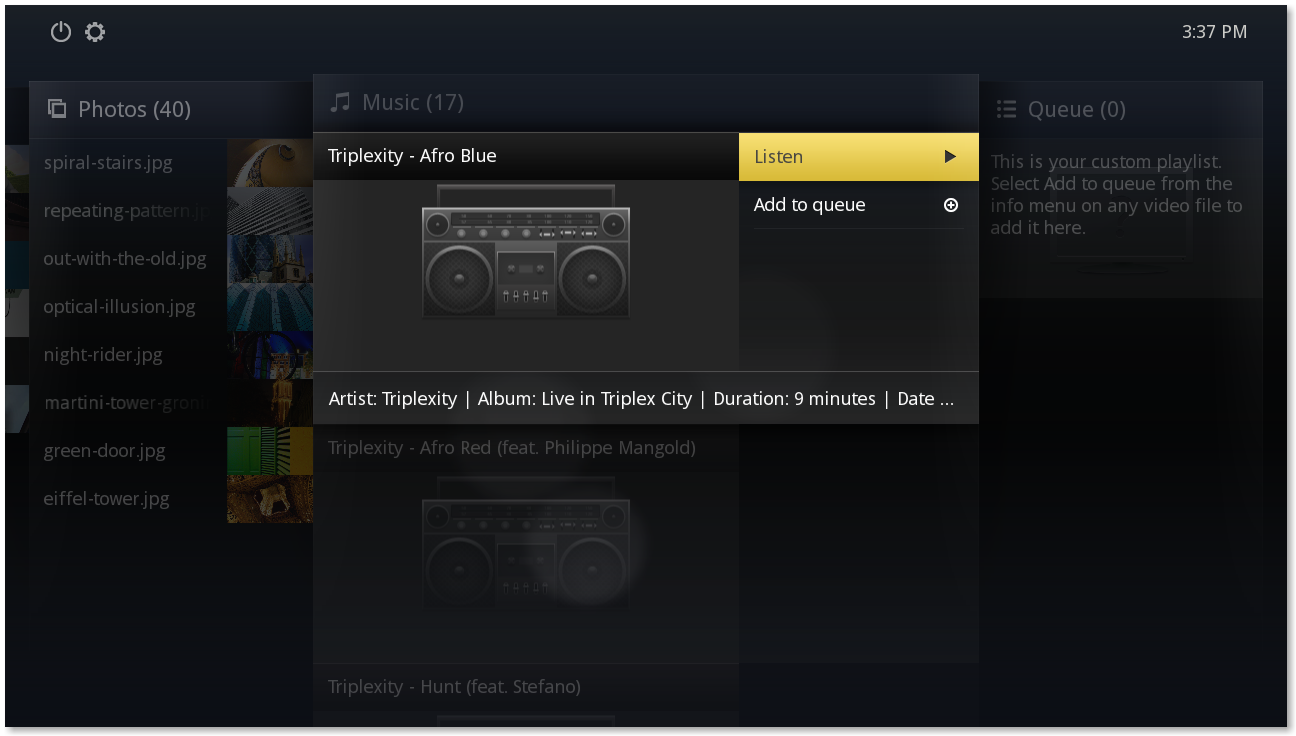
Chris introduced the project in April and since then we’ve added a few more features, including very simple music library support so that you can play music files and add them to the queue to create a playlist:
We also added some nice transitions to and from the video and slideshow that can be seen in our latest screencast, as well as animations when scaling pictures in the slide show. We’ve also been streamlining the performance, so animations are smoother and startup is quicker.
Checkout the new website for more information and instructions on building it. We’ve also created a Twitter news feed to keep people up to date with the latest developments.
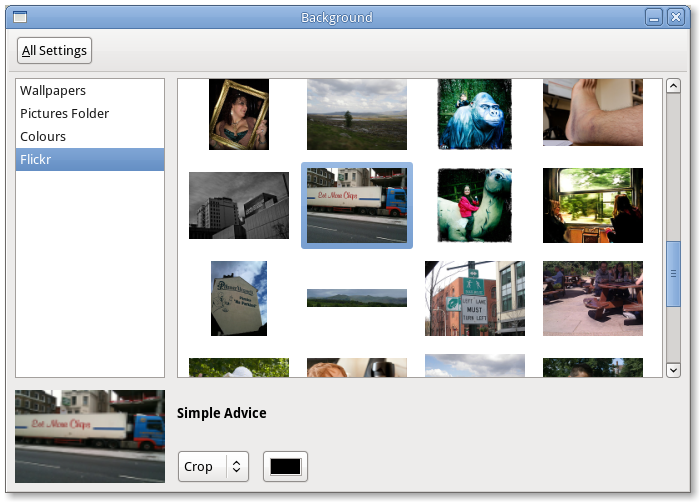
I’ve recently been working on a new background chooser for GNOME, which supports multiple “sources” of backgrounds. Today I used libsocialweb to integrate support for browsing the user’s photostream from flickr.
The UI is still a work in progress, I’m hoping to land it before the feature freeze at the end of the week.
I’ll also be at Guadec this week, but only for the 28th and 29th. See you there!
For the new Control Center in GNOME 3.0 (or System Settings, as it will be known), I’ve been working on a settings panel to allow people to set their timezone, date and time. This means there is a new date and time mechanism dbus service provided by gnome-settings-dameon, and a new UI to configure it with. The latest UI is available in gnome-control-center git and looks something like this:
It still needs a lot of testing and I’d also like to add support for using NTP services, although finding a method of applying this for different distributions will probably be tricky.